Live polls, word clouds and Q&A for congresses.
Delegates answer on their own phones. Every screen wears your client’s look.

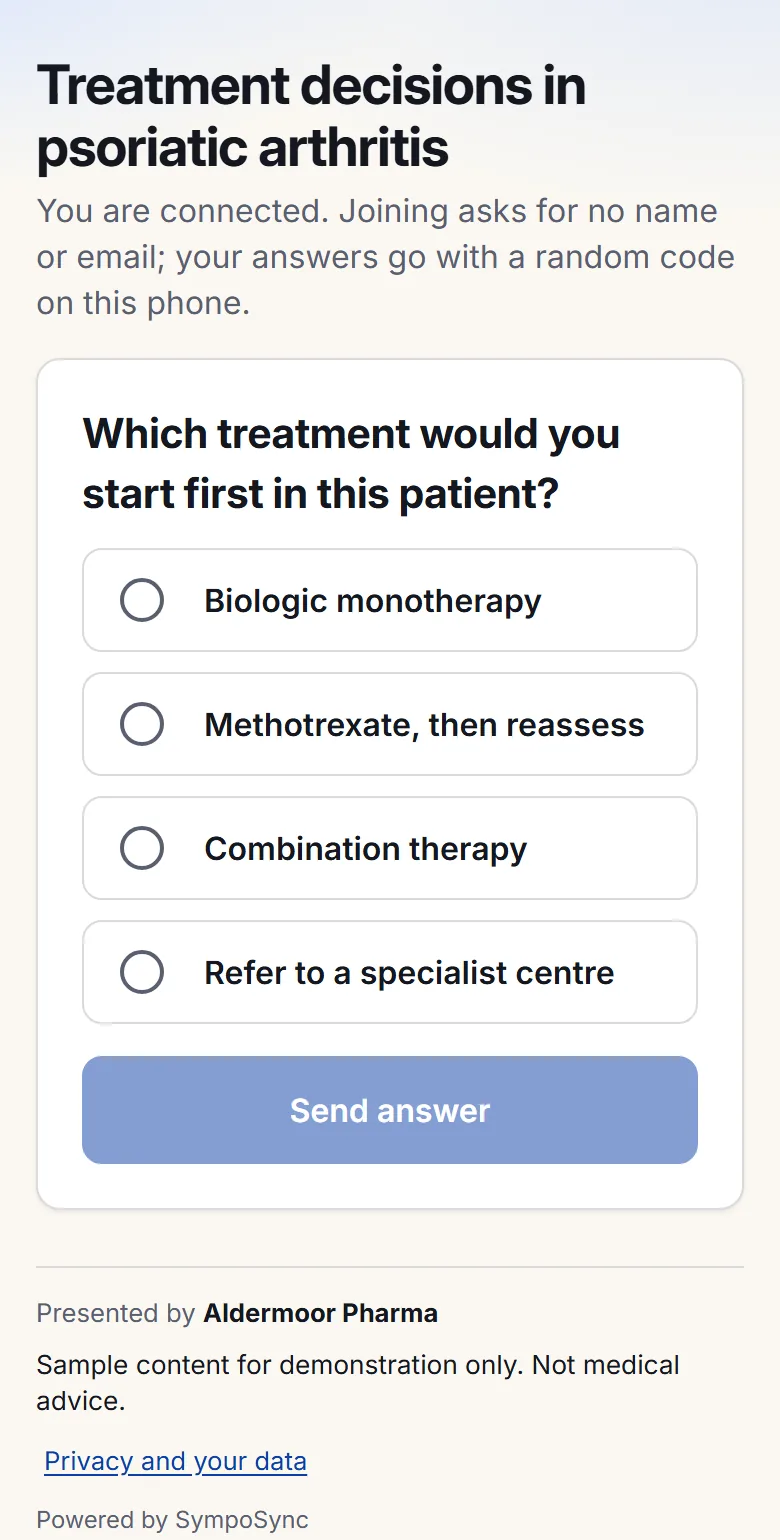
Simple for delegates. Careful with their data.
- No app downloadScan a QR code and answer in the browser.
- Anonymous by defaultA random device code, not a name or email.
- Deleted after 90 daysAfter the event, or at once with one button.
- No trackersNo analytics, advertising or third-party scripts.
From the client’s deck to the final report.
Step 1 of 5: Prepare
Start from the client’s deck.
Bring it in, then add polls, word clouds and Q&A between the slides.
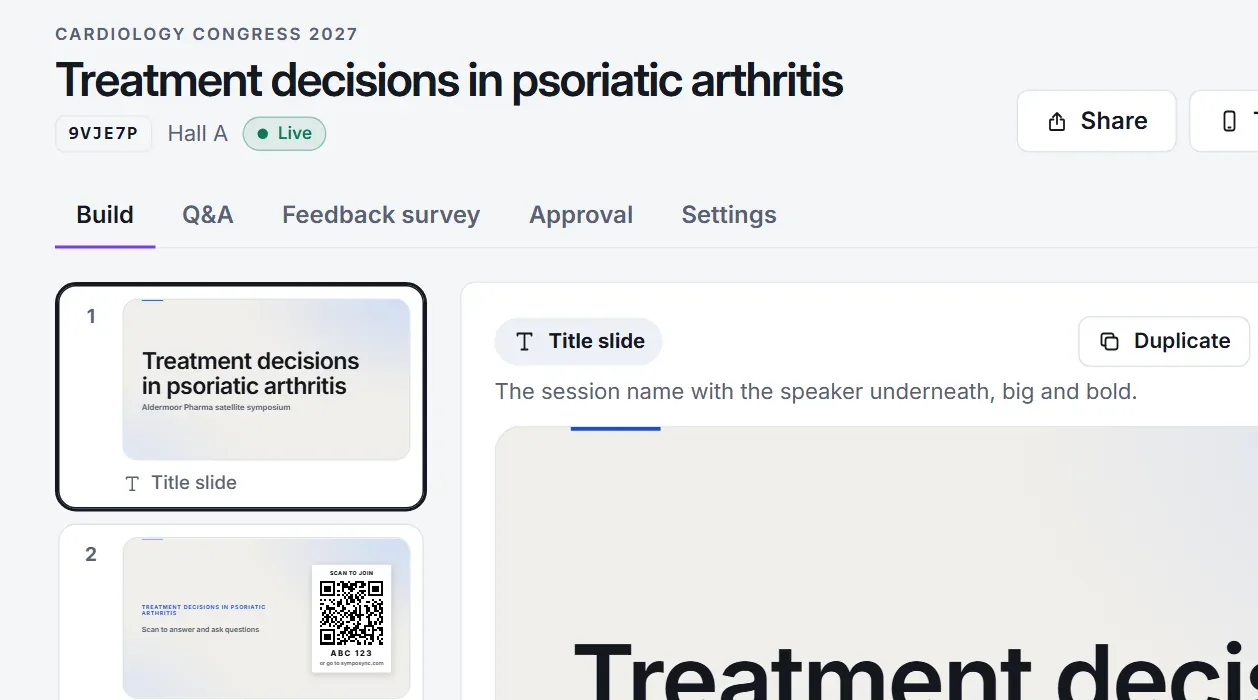
Step 2 of 5: Brand
Wear the client’s look.
Colours, logo and legal line on every screen, with a proof sheet to sign.
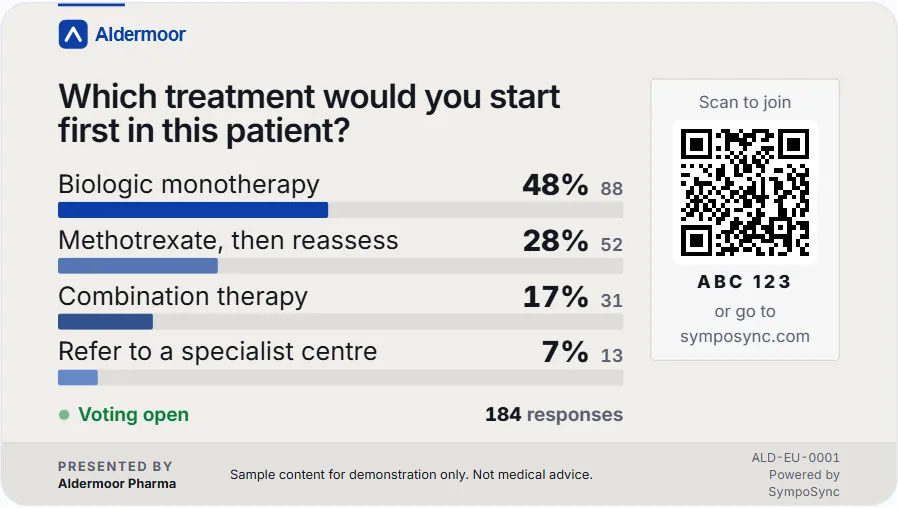
Step 3 of 5: Present
Run it from one console.
The big screen carries the QR code. You move through the session from the console.
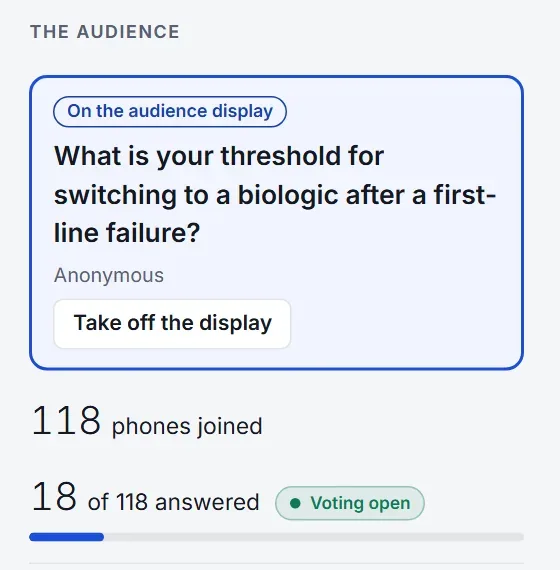
Step 4 of 5: Engage
Every phone takes part.
Delegates answer, send words and ask questions in the browser. No app to install.
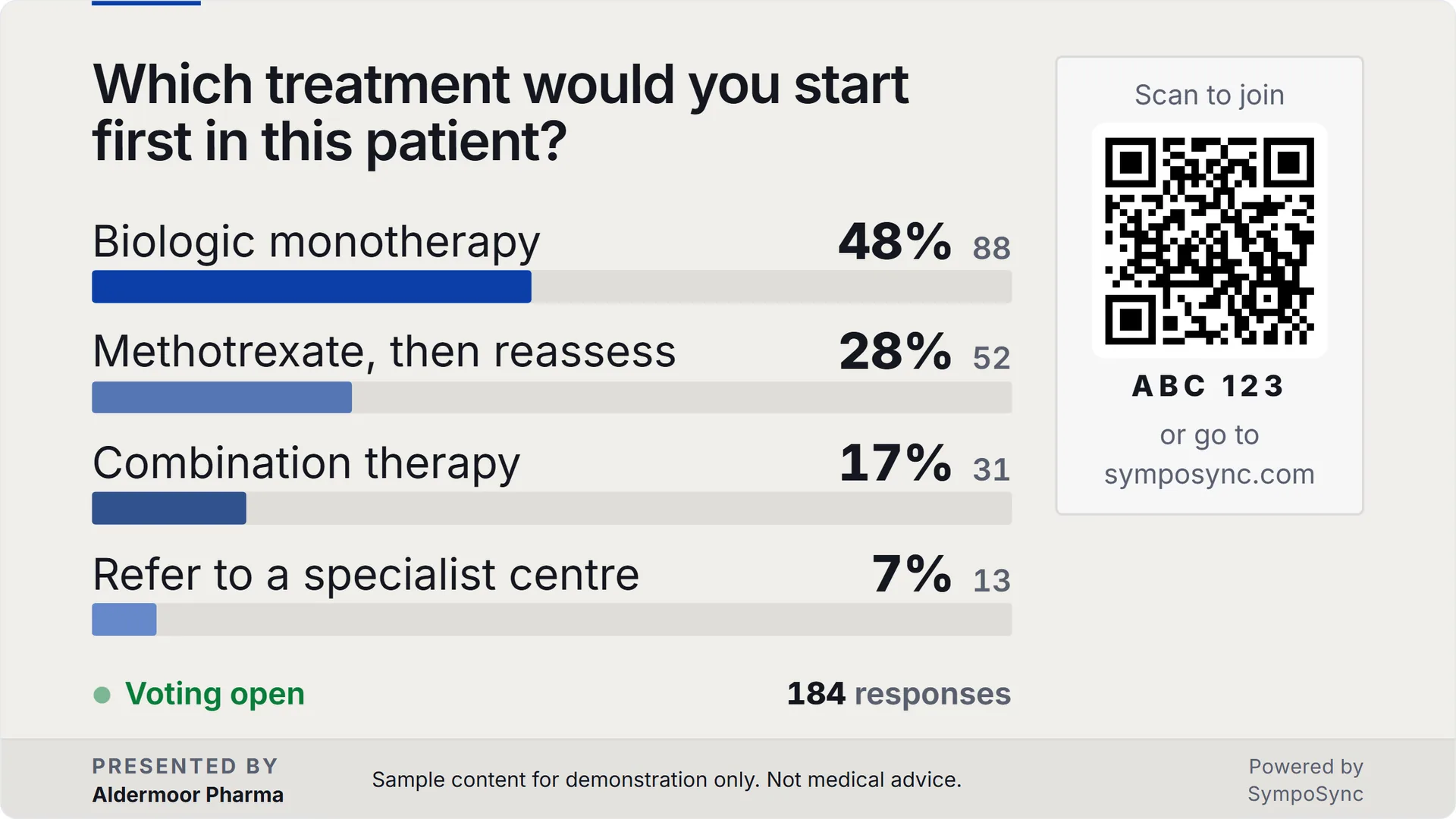
Step 5 of 5: Report
Hand over the results.
Participation, every result and the audience questions, on a page that prints.
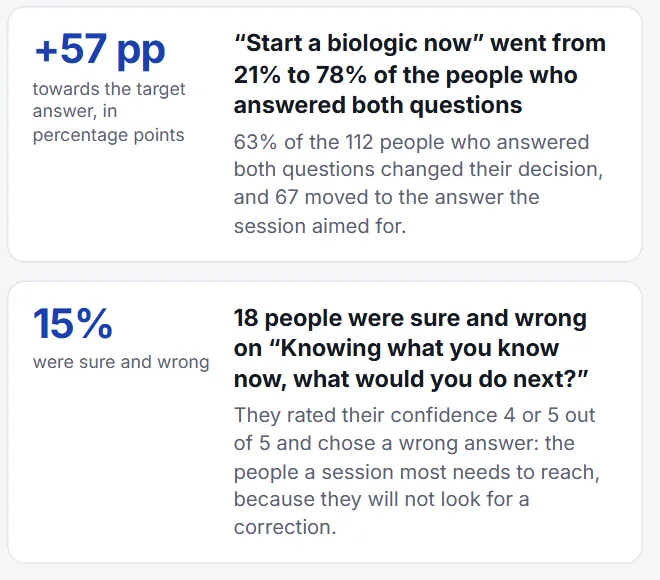
Synthetic content: a fictional client, people and events; made-up questions, simulated answers.
Start from the client’s deck.
Bring it in, then add polls, word clouds and Q&A between the slides.

Wear the client’s look.
Colours, logo and legal line on every screen, with a proof sheet to sign.
Run it from one console.
The big screen carries the QR code. You move through the session from the console.
Every phone takes part.
Delegates answer, send words and ask questions in the browser. No app to install.
Hand over the results.
Participation, every result and the audience questions, on a page that prints.
Watch the room answer.
Words arrive from phones and repeats grow. Anything you hold back stays off the screen.

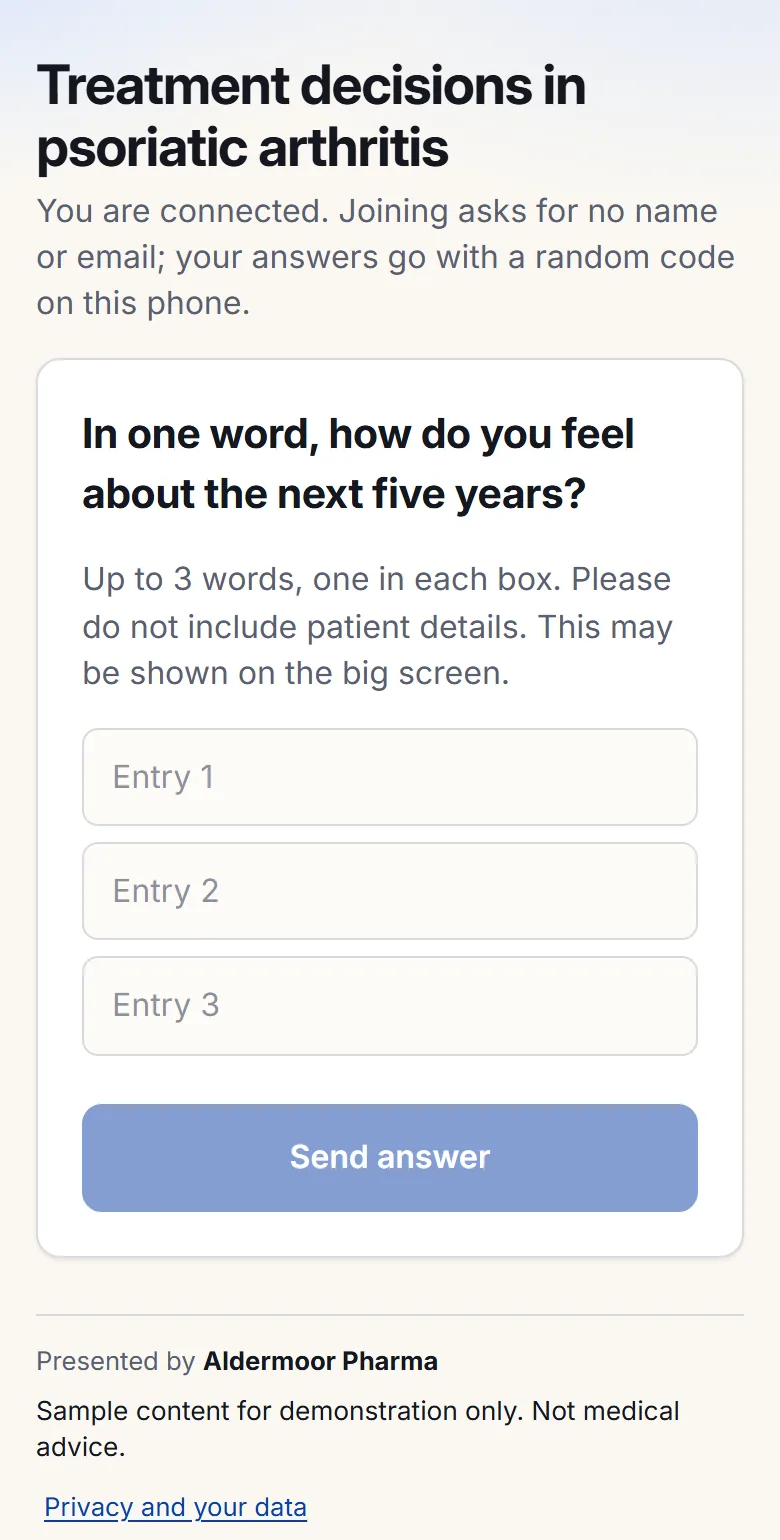
Anonymous questions, upvoted. You approve one and it takes the big screen.

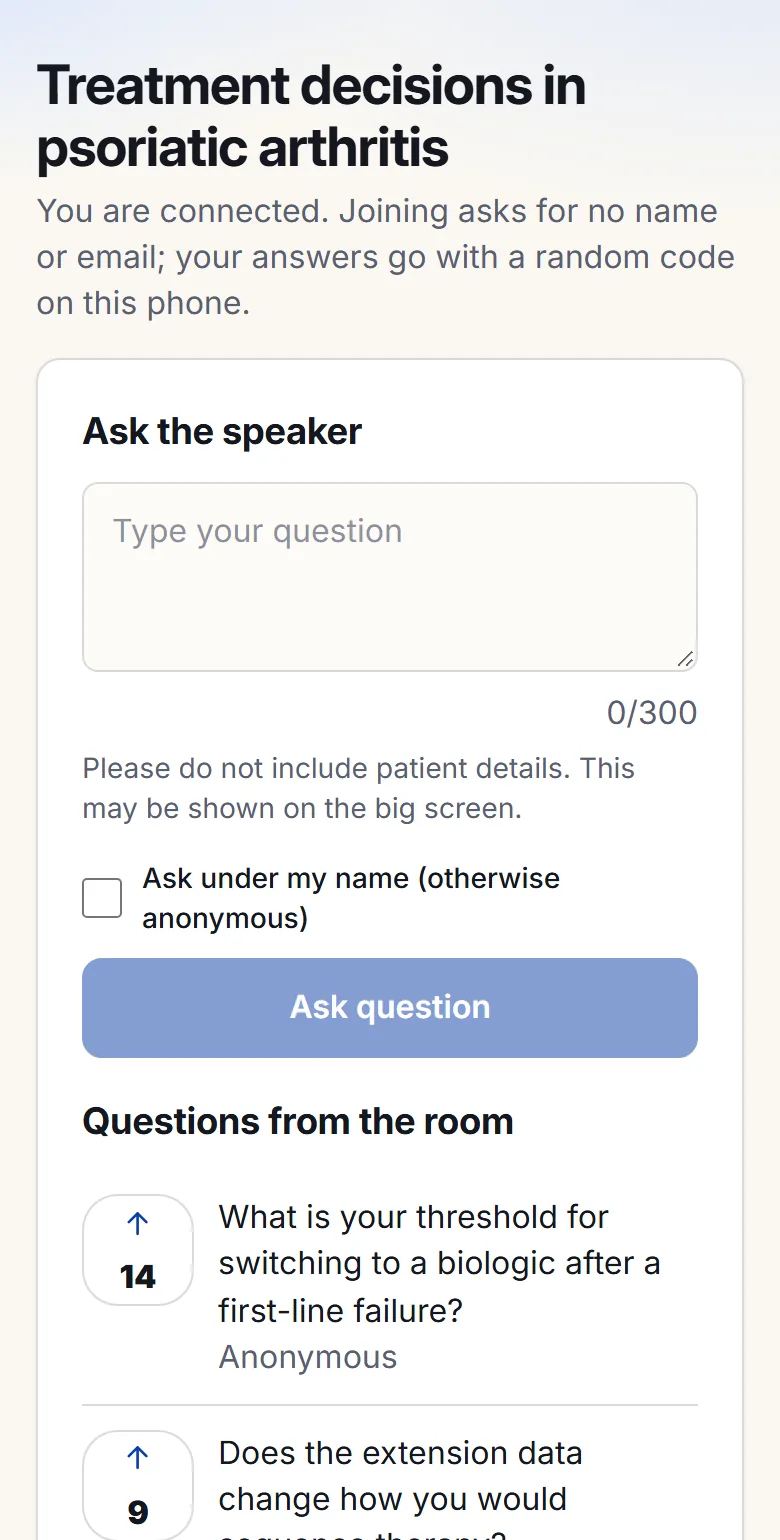
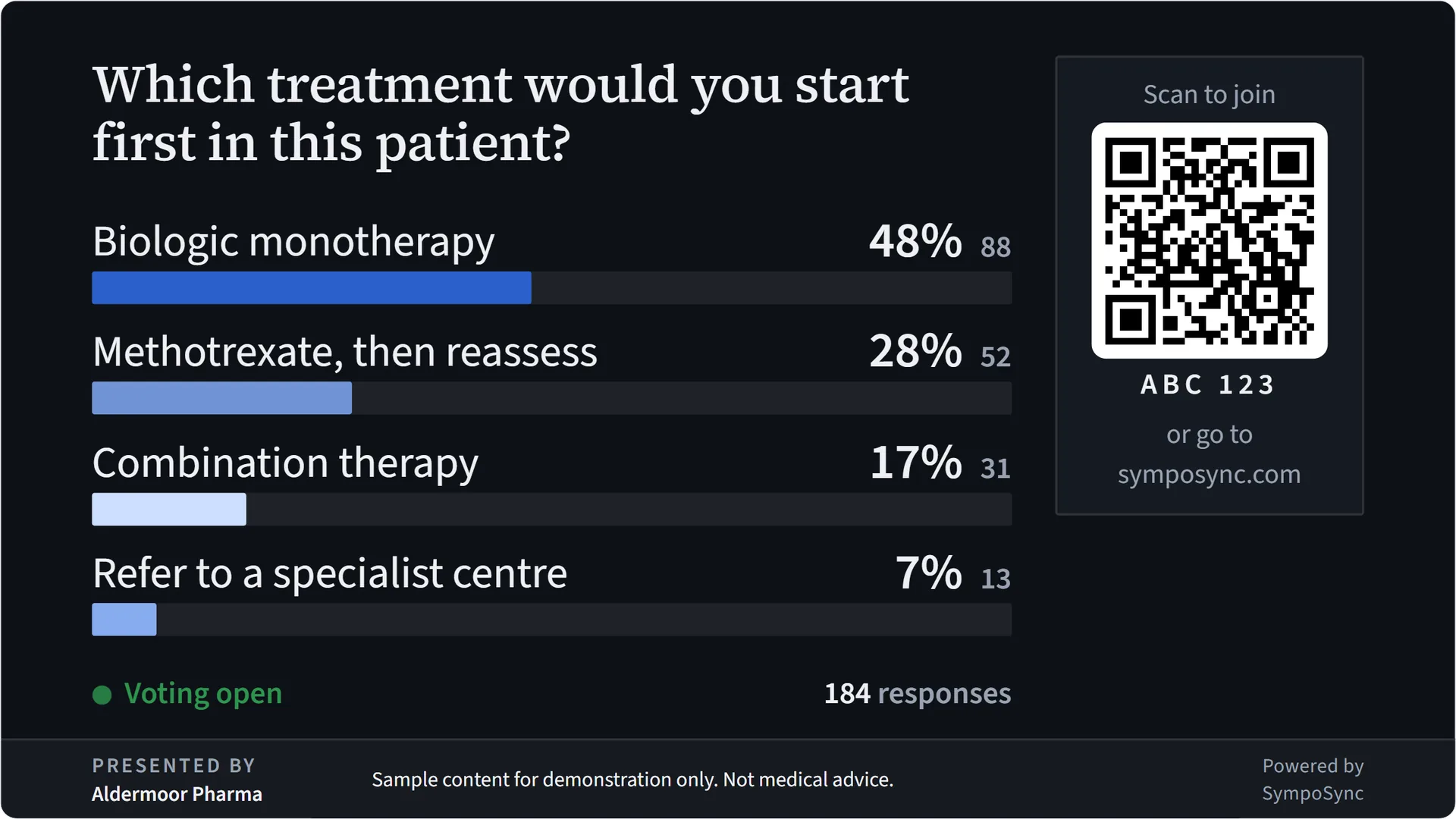
Bars fill as answers arrive, until you close voting.
Built for the people who run the programme.
Professional congresses
Plenaries and parallel sessions, run from a browser, on a screen that wears the congress’s look.
See the experiences
Scientific symposia
Clinical cases and decisions the whole room commits to.
See the clinical formatsEvent agencies
One brand kit per client, with an approval record.
How agencies use itFree to start. One price per congress.
Event Pass
One price for a whole congress, with your branding and the full reports.
See the passesAudiences over 2,500, or a programme of events? Ask for a quote
There is no offline mode: the hall needs a working network. Read the trust page
See your next session as the room will.
Build a session from your client’s deck, rehearse it with up to 500 simulated delegates, and run it live. Free to start.